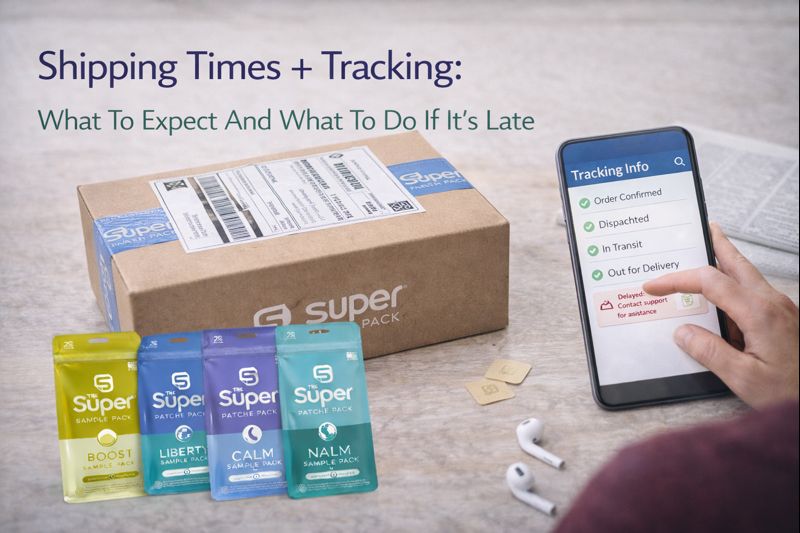
One of the fastest ways to lose confidence after ordering online isn’t the product…
It’s uncertainty.
- “Where is my package?”
- “Is this tracking number real?”
- “It hasn’t moved in two days — should I worry?”
- “What if it never shows up?”
This guide explains what to expect with patch shipping time, how tracking works, what common delays mean, and what to do if your package looks late.
Quick start
- Not sure what to order? Start Here →
- Want a simple starter option? Sample Pack →
Typical shipping timeline (what “normal” looks like)
Most orders follow this pattern:
- Order confirmed
- Label created (tracking number appears)
- Carrier scan (first acceptance scan)
- In transit (moves through facilities)
- Out for delivery
- Delivered
The most common point of confusion is #2 vs #3:
“Label created” does NOT always mean it has moved yet
It often means the shipping label is generated and tracking is active — while the carrier scan happens later when it’s accepted by the carrier.

How to check tracking the right way (so you don’t panic)
When you look at tracking, focus on:
- the last scan date
- the type of scan
- whether it says in transit, out for delivery, or delivered
If you don’t see movement for 24–48 hours, that can still be normal — especially around weekends, holidays, weather, or heavy carrier volume.
Common tracking messages (and what they usually mean)
“Label Created / Shipping Label Created”
The label exists. The package may still be waiting for the carrier’s first scan.
“Accepted / Received / In Possession of Item”
Carrier has it. Movement typically follows soon.
“In Transit / Arrived at Facility / Departed Facility”
Normal progress through the network.
“Out for Delivery”
Usually means you’ll receive it that day.
“Delivered”
It was marked delivered — sometimes it’s:
- at the mailbox
- at the front desk/mailroom
- at a side door
- with a neighbor (rare, but happens)
Why tracking sometimes “stalls” (very common reasons)
If tracking hasn’t updated, it’s often because:
- there was a missed scan at a facility
- the carrier is moving it but didn’t scan it yet
- it’s traveling between facilities
- it’s weekend/holiday volume
- weather slowed routes
- local delivery backlog
A stall isn’t automatically a lost package.
What to do if your package is late (simple decision tree)
Step 1 — Check the last scan date
- If the last scan was within 48 hours, it’s often still normal.
- If it hasn’t moved in 3–5 business days, it may be delayed.
Step 2 — Check your delivery location details
If you’re in an apartment or building:
- look for mailroom / leasing office delivery
- check if your building requires unit numbers or access codes
If your address was missing a unit number, packages can bounce or delay.
Step 3 — If tracking says “Delivered” but you don’t have it
Do this:
- check mailbox + doors + mailroom + front desk
- ask household members
- wait 24 hours (sometimes it’s scanned delivered early)
If it still isn’t found after 24 hours, reach out for help.
Step 4 — When to contact support (and what to include)
If tracking hasn’t moved in 5 business days or it’s marked delivered and you can’t locate it after 24 hours, contact support with:
- your order name/email
- your shipping address (confirm unit # if applicable)
- the tracking number
- what the tracking currently shows
That helps resolve things quickly without back-and-forth.

How to prevent shipping issues on future orders
Before checking out, double-check:
- street number
- apartment/unit number
- correct zip code
- a safe delivery location (if needed)
Small details prevent 90% of delivery problems.
Bottom line
Most “late package” concerns are really “tracking confusion.”
Now you know what to look for:
- label created vs first scan
- last scan date
- common stall reasons
- exactly when to reach out for help
And if you want the simplest starter order: